
The Cabinet Secretary for Education, Julius Ogamba, officially released the 2025 Kenya Certificate of Secondary Education (KCSE) results on January 9, 2026, during a national function held at Chebisas High School, Eldoret, in Uasin Gishu County.
According to the Kenya National Examinations Council (KNEC), a total of 996,078 candidates from 10,755 examination centres across the country sat for the 2025 KCSE examinations. Candidates can now access their results through officially approved channels.
How to Check 2025 KCSE Results
1. Checking KCSE Results via SMS
Candidates can receive their KCSE results directly on their mobile phones.
Procedure:
Send your KCSE Index Number (without spaces)
Send to 20076
Each SMS costs Ksh 25
Ensure you use the mobile number registered during examination registration for best results.
2. Checking KCSE Results Online (KNEC Portal)
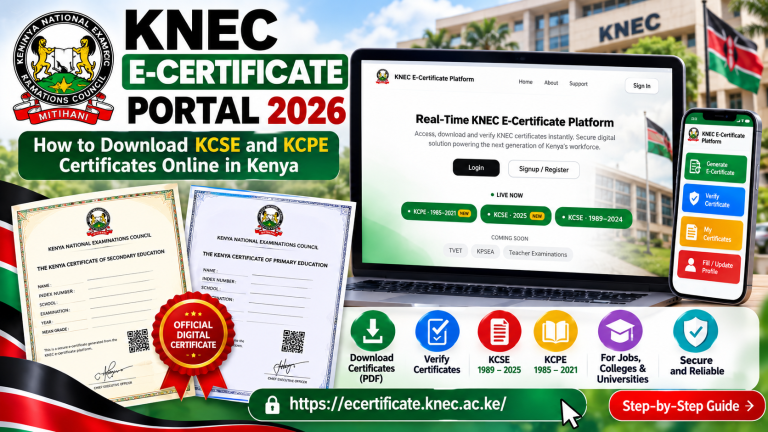
Candidates can also access their results online through the official KNEC results portal.
Official Portal:
👉https://results.knec.ac.ke/
Steps to Follow:
Visit the KNEC Results Portal
Enter your Index Number
Select the Examination Year: 2025
Click Submit
View and print your provisional KCSE result slip
The portal has been optimized to manage high traffic and includes verification measures to prevent unauthorized access.
School Result Slips
Schools will receive official printed result slips
Candidates experiencing online delays are advised to visit their schools
Principals will issue certified copies once results are released
The Ministry of Education has urged candidates and parents to rely only on official platforms.
“Do not fall for fake links or misleading social media claims. The only legitimate platform for accessing KCSE results is the KNEC portal,” — CS Julius Ogamba, January 7, 2026.
Meaning of Symbols in KCSE Results
While checking your KCSE result slip, you may encounter the following symbols:
X – Absent in one or more examination papers
Y – Results cancelled due to examination irregularities
P – Results pended due to entry or registration issues
W – Results withheld pending investigation of suspected malpractice
U – Ungraded; candidate sat for the paper but did not meet grading requirements
Understanding these symbols is important before taking any corrective action.
How to Verify and Correct KCSE Result Errors
After accessing your KCSE results, candidates should carefully verify all details.
Step 1: Confirm Personal Information
Check:
Full name
Index number
School name and code
These details must match the registration records.
Step 2: Review Subjects and Grades
Ensure:
All registered subjects appear correctly
No missing subjects or duplicated entries
Grades match the correct subjects
Any blank spaces, wrong subject codes, or incorrect grades should be treated as errors.
Step 3: Report Errors Immediately
If an error is identified:
Report to the school principal or examination officer
Provide supporting documents such as:
KCSE registration form
Admission details
Any official correction evidence
The school will submit the query to KNEC via the Query Management Information System (QMIS).
Step 4: Follow Up
Candidates should regularly follow up through:
Their school
KNEC communication channels
Corrections are processed officially and updates communicated once finalized.
About the Author

Related posts:

Why Competency-Based Education (CBE) Is Reshaping Learning in Kenya

How AI is Transforming Competency-Based Education
Grade 10 Competency-Based Assessments (CBA) in Kenya: Complete Guide for Teachers and Principals (20...
GUIDELINES FOR TIMETABLING AND ROUTINE IN SENIOR SCHOOL